Obsidian Headless let me rebuild Things3 Quick Entry for my Obsidian bullet journal

I use Obsidian for bullet journaling.
That setup works really well for me once something has actually made it into the vault. My daily notes are where tasks live, where random thoughts land, and where the day gradually turns into something I can review later. I like that it is just files. I like that I can structure it however I want. I like that it does not feel like I am renting my own notes back from a SaaS.
But there was one thing I still missed from Things3: Quick Entry.
Things3 is extremely good at getting out of the way. Hit a shortcut, type a thought, move on. That matters much more than people sometimes admit. The value of a capture system is not really in how beautifully organised it looks once you sit down for a weekly review. The value is whether it is fast enough that you actually use it while you are in the middle of life.
Obsidian, for all the flexibility it gives me, is not naturally as good at that part. If I have to unlock my phone, open the app, navigate to today’s note and get the cursor into the right place, I will do it for important things. I will not do it consistently for the small fleeting thoughts that mostly make up a day.
One of the moments that really crystallised this for me was getting stung with an airport parking charge. I had dropped someone off and needed to remember to go online and pay the drop-off fee before midnight. There was no sensible way to deal with it while I was driving, which is exactly when I thought of it, and by the time I got home it had fallen out of my head completely. A few days later I got the charge. That is exactly the kind of task capture tools are supposed to save you from losing.
So I built obsidian-capture.
A big part of why I could build this cleanly now is Obsidian Headless. I think this is one of the most interesting things the Obsidian team have added in a while, because it pushes Obsidian beyond being just an app you click around in. Once you can sensibly interact with a vault from scripts and servers, a lot of new use cases open up. This project is one of them.
obsidian-capture is a very small server that gives my vault a Quick Entry style inbox. I can speak a thought to Siri, trigger an Apple Shortcut from my watch, hit it from a script, or send text in over HTTP from wherever is convenient. The server takes that text, works out where today’s daily note lives, appends a markdown task under a configured heading, and lets Obsidian Headless handle syncing the vault as normal.
The important part for me is not really the server itself. It is that the source of truth stays in Obsidian. I did not want a separate inbox app, a separate database or some elaborate plugin architecture. I just wanted the capture experience of Things3, pointed at my existing bullet journal.
In practice, it looks like this.
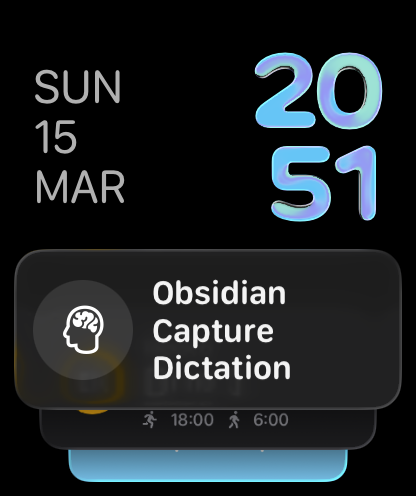
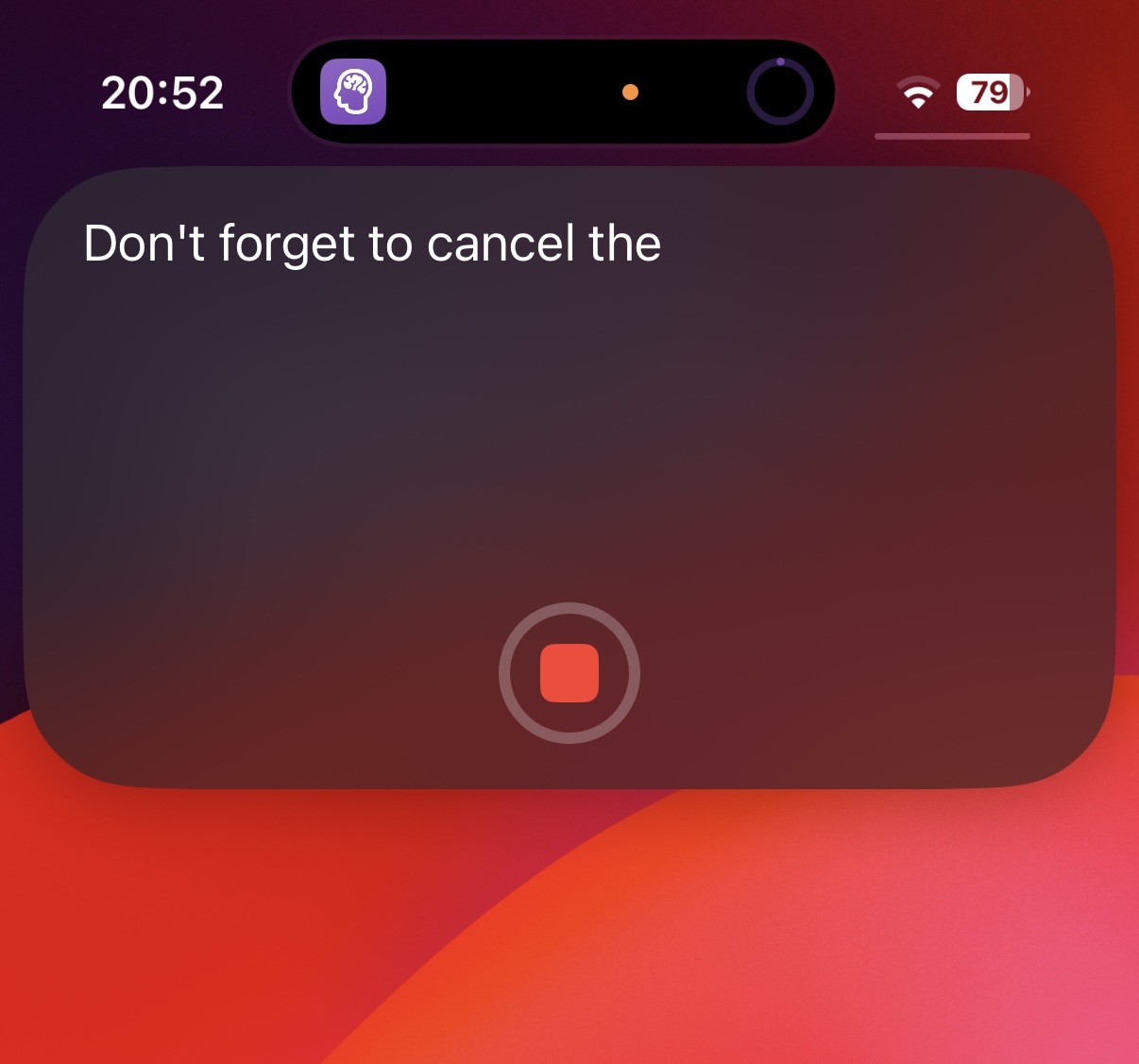
A few seconds later the dictated text lands in the Captured section of today’s daily note:
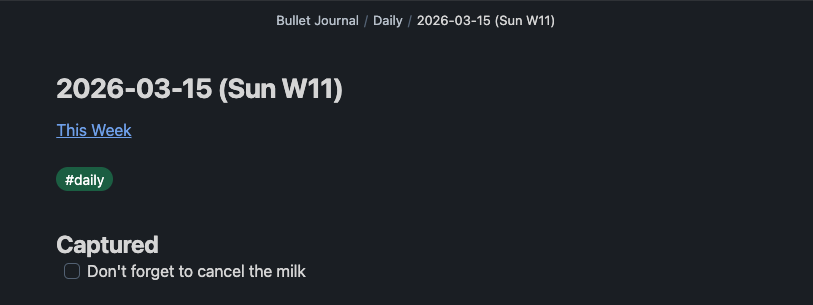
My daily notes follow a predictable template already, so the server just renders a path like this:
Bullet Journal/Daily/{{YYYY}}-{{MM}}-{{DD}} ({{DAY_NAME}} W{{ISO_WEEK}}).md
If today’s note already exists, it adds the item under ## Captured. If it does not exist yet, it creates a minimal note and puts the task there. That means the entire capture path can be reduced to one authenticated HTTP request:
curl -X POST http://localhost:8080/capture \
  -H "Content-Type: application/json" \
  -H "Authorization: Bearer YOUR_API_KEY" \
  -d '{"text": "Book dentist appointment"}'
Which ends up as:
# 2026-03-15

## Captured
- [ ] Book dentist appointment
That is basically the whole idea. One boring endpoint, a bit of date templating, a small amount of file surgery to put the line in the right section, and Obsidian Headless taking care of the bit that makes the whole thing feel like part of my actual vault rather than a detached sidecar.
I like this shape of project. It is not trying to replace Obsidian, and it is not pretending to be a task manager. It is just a bridge between quick capture and a filesystem-based note system I already trust.
Because it is just HTTP, I can wire it up to a few different entry points. Apple Shortcuts are the obvious one. That gives me a decent approximation of the Things3 feeling on iPhone, Mac and Apple Watch. I also added an Alexa endpoint because speaking “capture buy milk” out loud while walking around the house is exactly the kind of lazy interaction a system like this should support.
There are a couple of details in the implementation that make it feel more solid than a throwaway script. It normalises whitespace, supports configurable daily note path and title templates, appends into the correct markdown section instead of blindly writing at EOF, and protects the capture endpoint with a bearer token. It is still tiny, but it is tiny in a way that feels usable rather than flimsy. A lot of the credit for that goes to Obsidian Headless making this kind of integration feel like a first-class workflow rather than a hack.
I have documented local, Docker and Fly.io deployment in the repo because I wanted it to be easy to run wherever makes sense. For me, the appeal is that it stays simple even when hosted somewhere. It is still just writing plain markdown into the vault structure I already use.
I do not think this is a project everybody needs. If you are happy opening Obsidian and typing directly into your daily note, then great. But if, like me, you have found a bullet journal workflow you really like in Obsidian and still occasionally miss the sheer immediacy of Things3 Quick Entry, this closes that gap surprisingly well.
It turns out I did not want a better notes app. I just wanted my notes app to be a little easier to interrupt my day with.